
Delete a project
Last Updated
27/09/2022 07:07 am
Navigate to the MLVET Home page, where you can view the list of your projects or create a new one. It should look something like below:
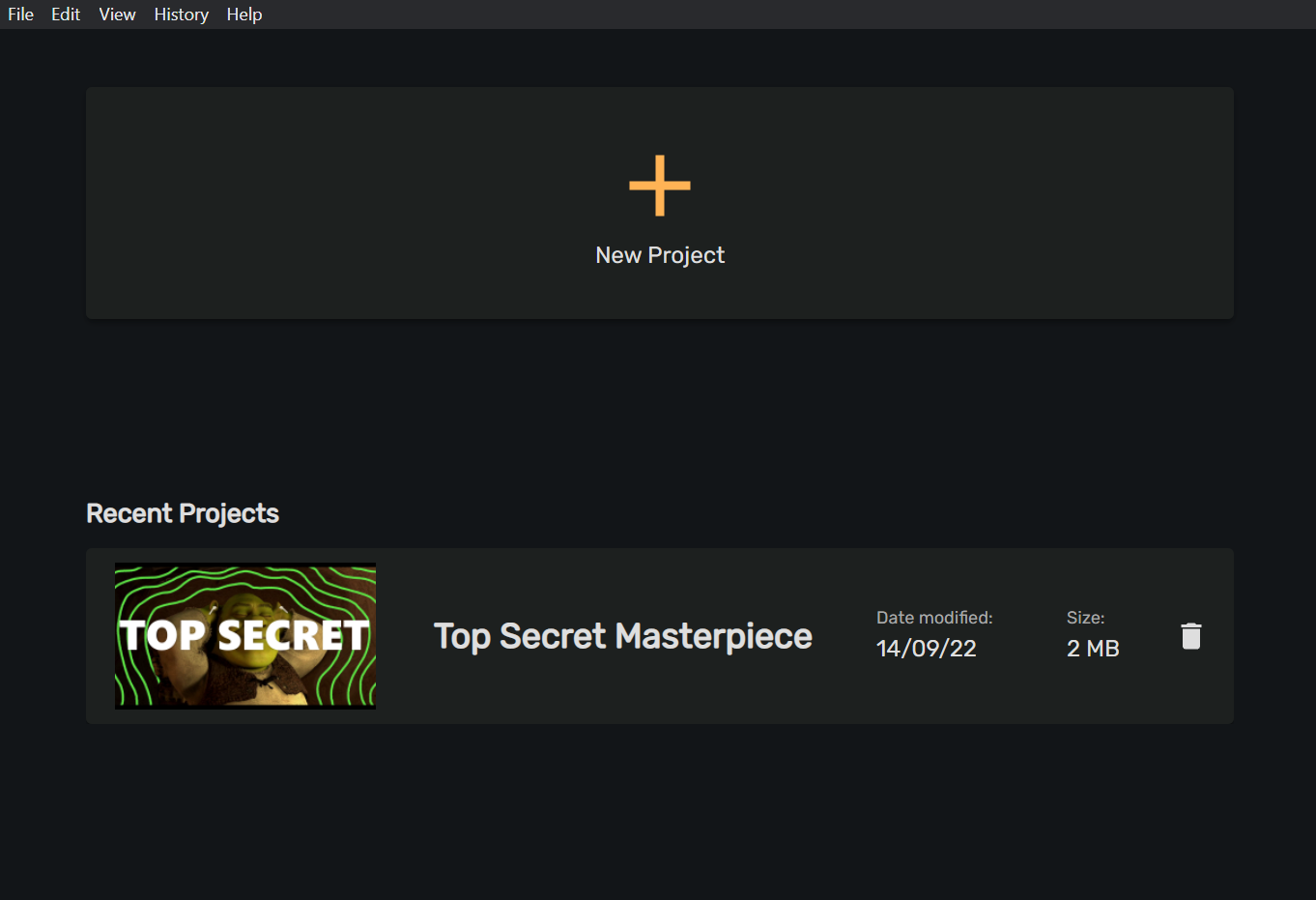
After locating the row relating to the project you would like to delete, simply click on the trash can icon on the far right hand side.
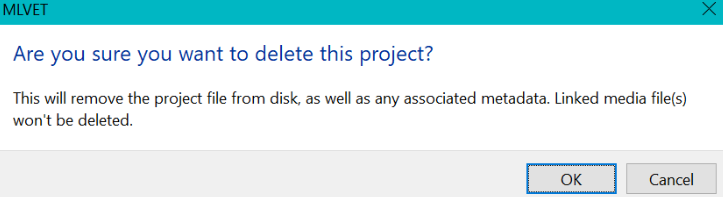
A dialog pop up will appear to confirm your decision before permanently removing the project file. Any metadata linked to the project will be removed, however your original video file will remain untouched.