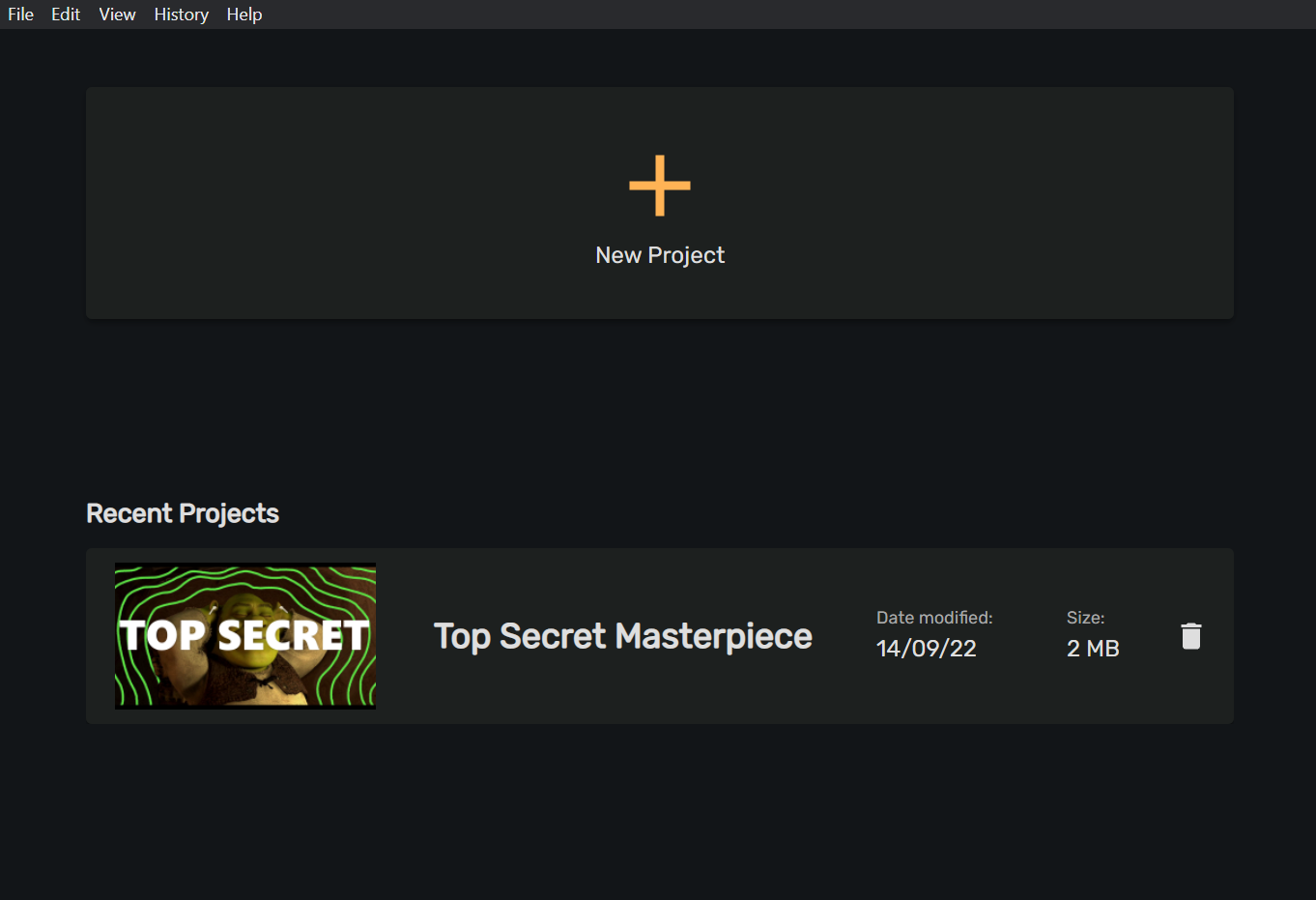

Find a saved project
Last Updated
27/09/2022 07:18 am
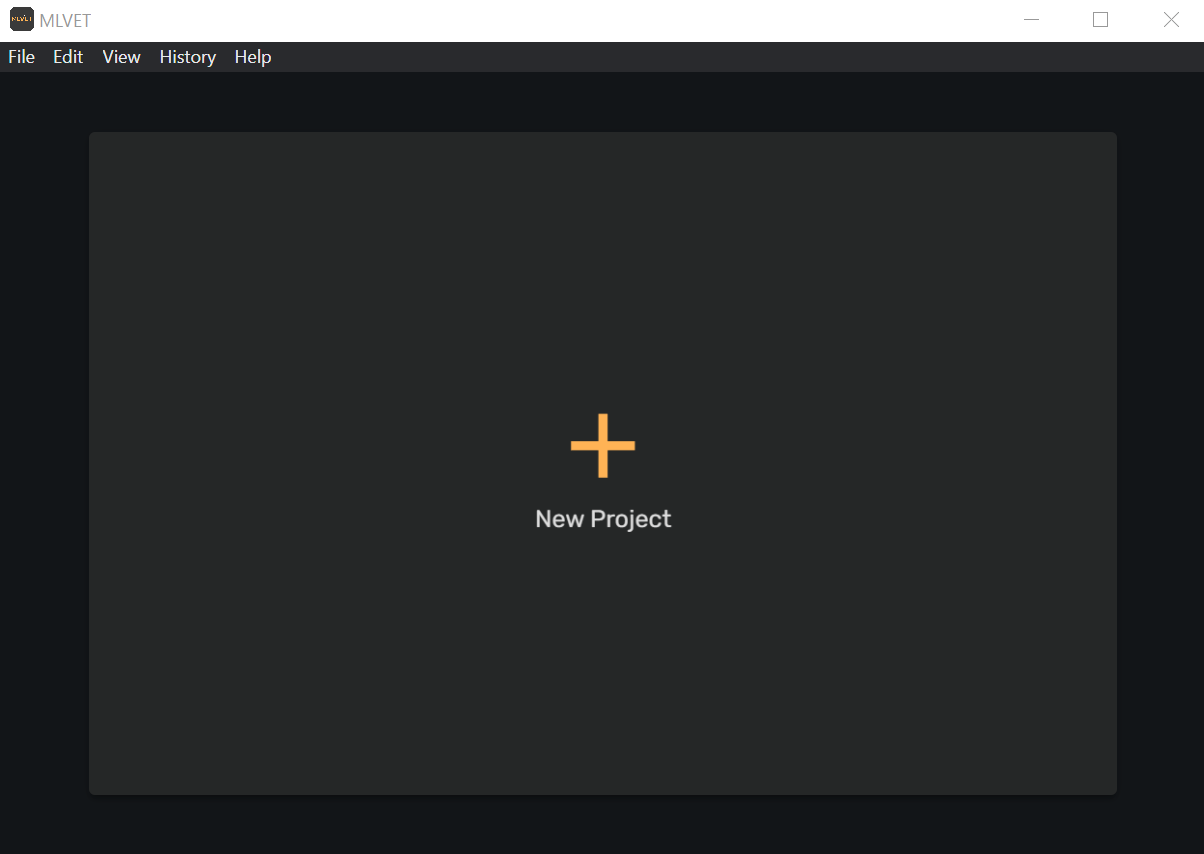
After saving your project, it will appear under the “Recent Projects” heading on the homepage of the MLVET application. If you have not saved any projects yet, your home screen will not have a “ Recent Projects” heading - so better get creating!
Without saved project homescreen
With saved projects homescreen