

Create a new project
Last Updated
27/09/2022 07:02 am
From the Home screen press the large “New Project” button at the top half of the application (see below).

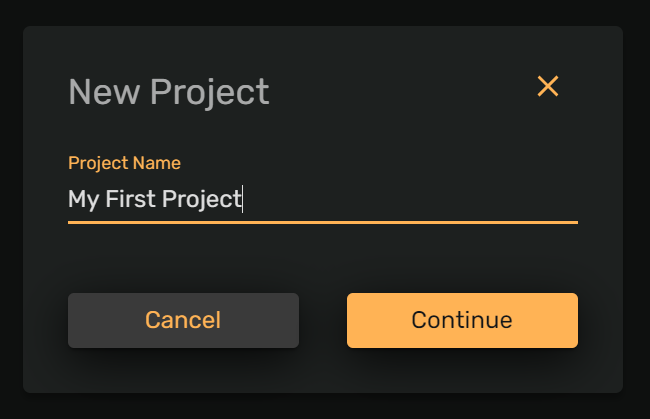
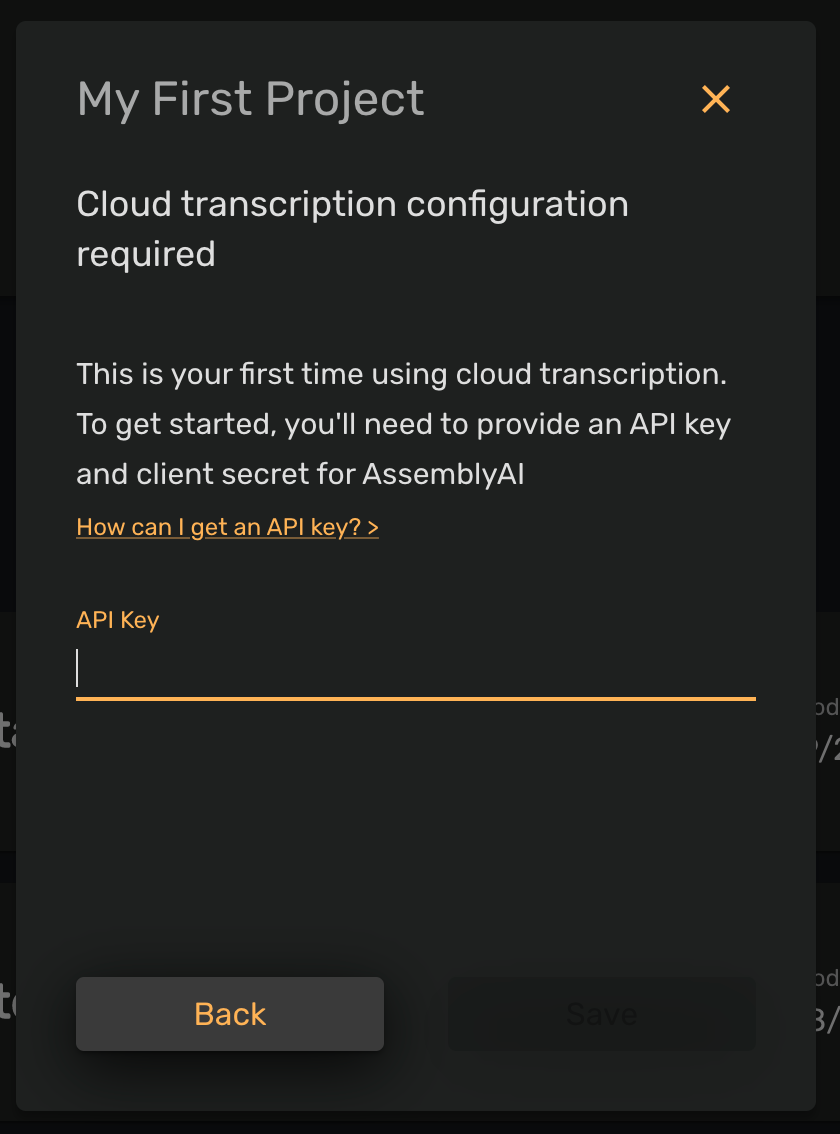
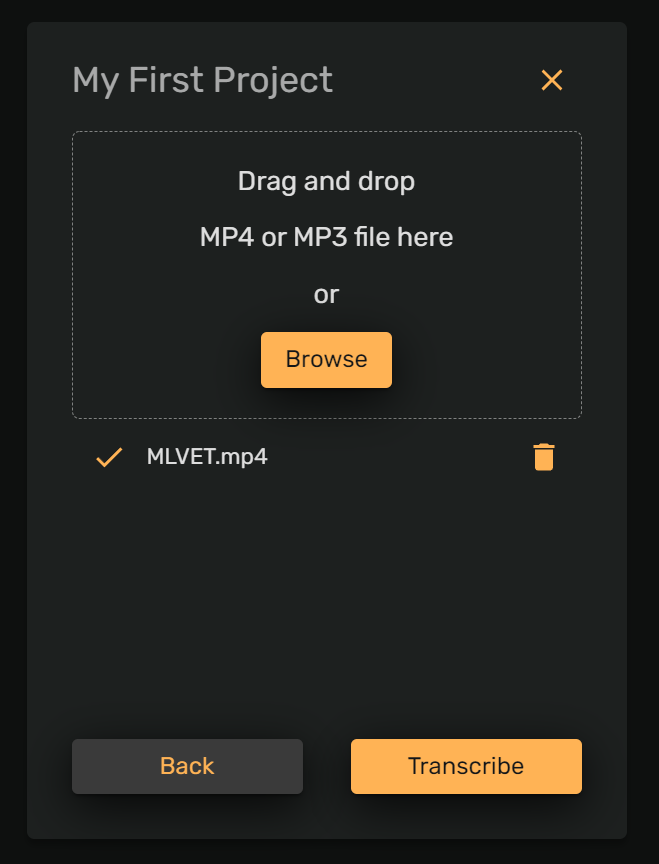
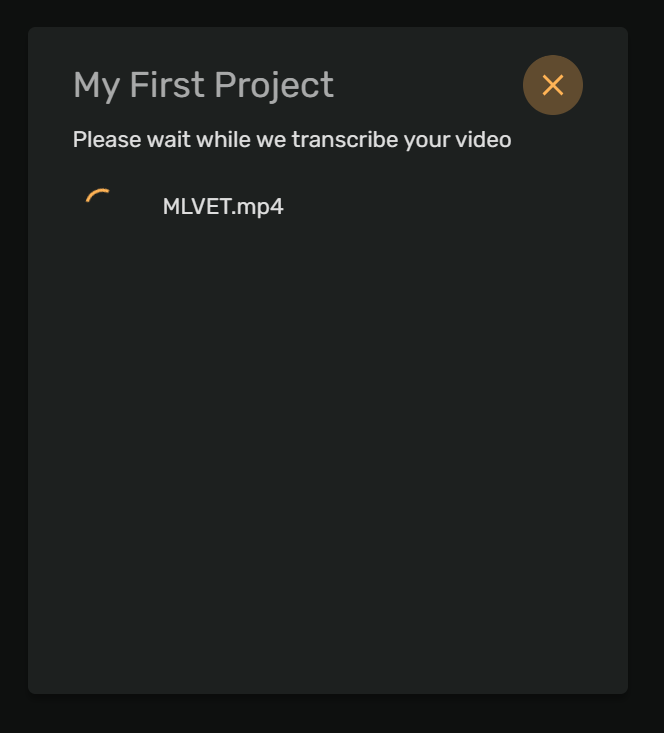
This will take you through the steps of creating a project. Naming your project, transcription configuration (for your first project), selecting your media file, and finally the video transcription.
Naming your project
Transcription configuration
After selecting media
Transcribing
Now you're ready to edit!