

Delete a snippet
Last Updated
27/09/2022 07:10 am
Select the corresponding words within your snippet by clicking (and holding) on the word at the start of the sequence and dragging your cursor to the end of the chosen sequence. Once highlighted, the words will have a light blue background.
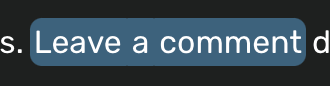
Either use the menu bar option by navigating to Edit >> Delete or simply press backspace. Your snippet has now been deleted!
You will notice that a delete marker has appeared in your transcription. See the delete marker help doc for more details on this.